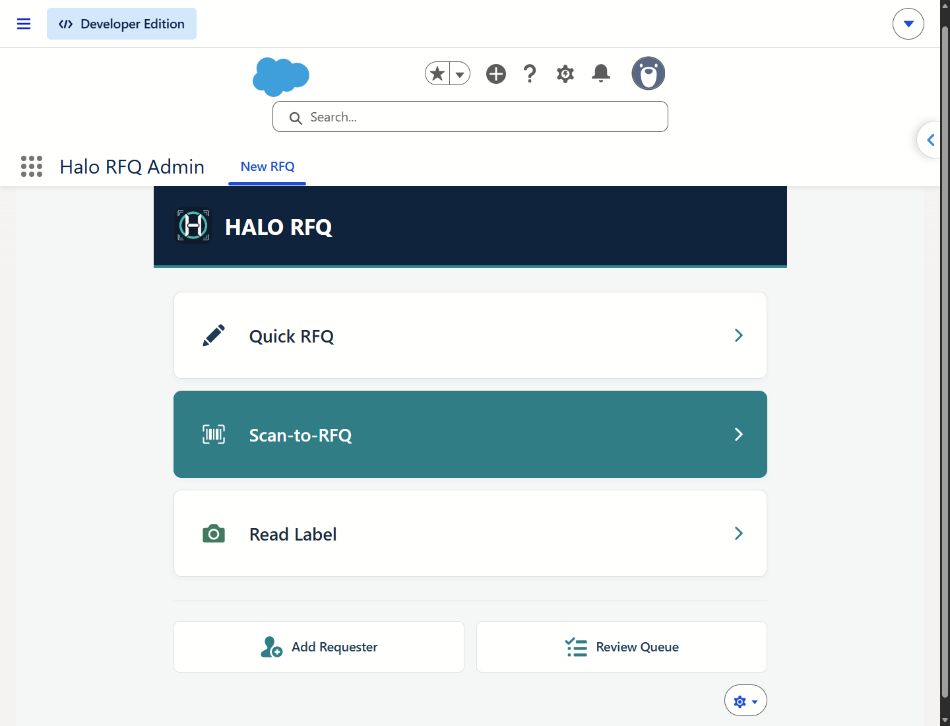
Actual Salesforce-native desktop capture · Phone framing is illustrative.
HALO RFQ / SYNTHETIC WORKSPACESTEP 1 OF 5
Recreated product experience. Distributor context and internal review illustrate the Salesforce-native handoff; they are not standalone execution.
In the app, capture can start with a typed identifier, a QR snapshot/image or an OCR label suggestion. This walkthrough uses a sample identifier only. Compare phone capture options →
Editable capture and a synthetic distributor-to-reviewer handoff. It combines ideas from separate implementation tracks, with no backend, email or CRM connection. Compare capability status.
Try an error: clear the part number or enter a quantity of 0 in Confirm details. The form keeps your inputs and explains what needs attention.
See it in the field / illustrative scenarios
A phone at the equipment. A clearer conversation next.
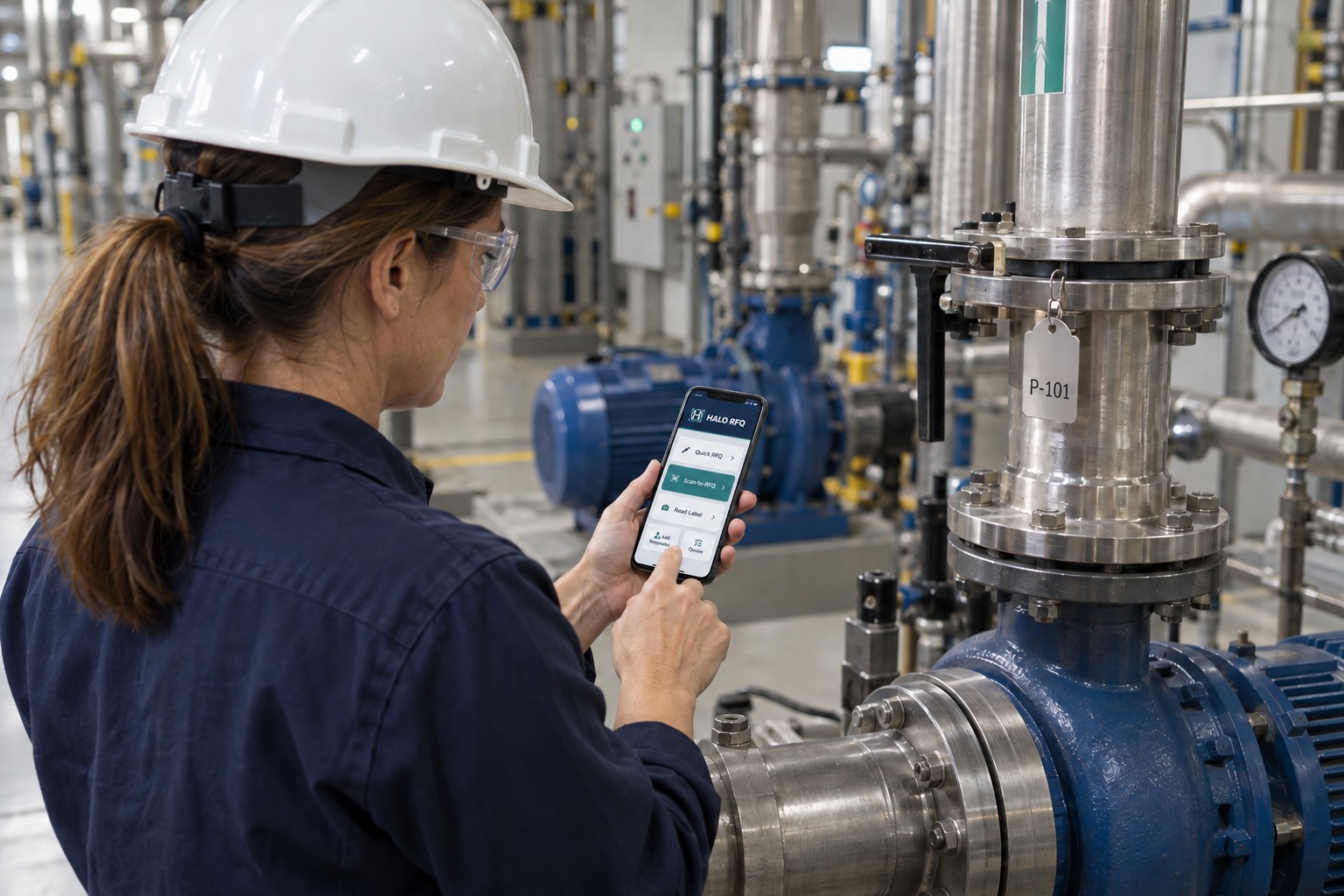
Picture the same handoff in a facility: capture the identifier and request, keep the relationship visible, then confirm the next step with a person.
Start where the work happens.Use a known identifier, a QR snapshot or a label photo in the app, then confirm the captured details.AI-generated scene · Halo RFQ home screen composited for illustrationKeep people in the conversation.A rep or distributor can help clarify the relationship, missing information and who should review the request.AI-generated illustrative scenario · Fictional people and screen

 Halo RFQ